
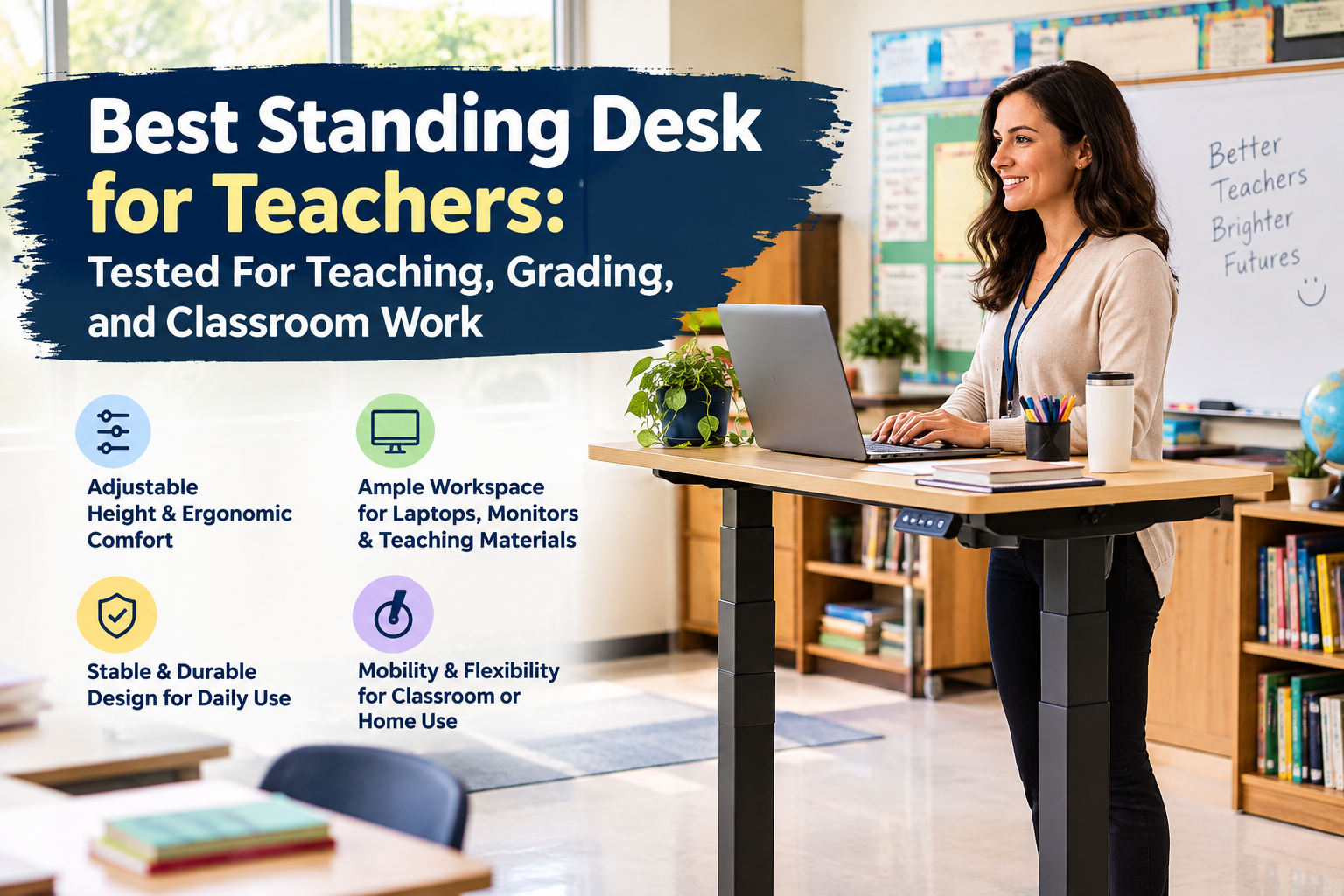
I have tested the standing desk for many years and have written articles about standing desks, but the teacher is one of the most difficult groups to choose. Software developers sit in front of one screen for eight hours but the teacher may be scoring at the desk a minute ago, but at the next moment, he will operate the document camera, and 10 minutes later, he will be standing on the podium. As many best rankings recommend pursuing maximum load capacity and the widest tabletop, most people buy a standing desk and actually choose a product that doesn’t suit their way of working.
In my experience, the most user-friendly desks for teachers are not flashy. A desk that allows you to easily change your posture without disrupting your workflow is the best choice. This guide focuses on the real-world key elements of a teacher’s day-to-day work: height control, stability, tabletop breadth, mobility, monitor placement, cable management, and durability. It also includes a few desks to consider if you know what to look for. If you’re wondering how long you should actually stand on these desks, I have explained in detail in my article Time to stand on a standing desk, so please take a look there as well.
What Makes a Standing Desk Suitable for Teachers?
Easy Height Adjustment
Teachers constantly change their positions — sitting for grades, standing for classes, leaning over students’ desks. In other words, you need to be able to quickly adjust the height of the desk without changing the knob in the middle of class. For your information, the OSHA (Occupational Safety and Health Administration) workstation guidelines specify that the height of the keyboard when standing is approximately 36 to 46.5 inches, and the height of the keyboard when sitting is 22 to 30 inches, and in both cases the keyboard is set to be about the height of the elbow. These are the guidelines for work, and not all teachers should imitate them. Depending on your height and preferences, you will adjust the appropriate height within this range.
Stability in a Standing Posture
One of the things I’ve noticed after reviewing so many desks is that stability becomes more important when you’re not just typing. When you burn on a tablet, tap a touchscreen monitor, or move a document camera, there is lateral pressure on your desk. The cheap frames are stuck at the very moment when you’re trying to show something in a classroom full of students.
Enough work space
On the teacher’s desk you need to put more than a laptop. Monitors, keyboards, mice, lesson plans, piles of documents for grading, and sometimes even a document camera, etc. must be placed. The OSHA also recommends ensuring that the desk is deep enough that the monitor is at least 20 inches away from the eye. It is worth remembering this point before choosing a desk that is not only wide and not deep.
How to Set the Correct Standing Desk Height for Teachers
What is important is that there is no “right standing height” that works for all teachers. You should be skeptical of a guide that only offers specific numbers. The key is to make sure the keyboard is about elbow level. The OSHA standard height of the keyboard for standing work is 36 to 46.5 inches, but where you set it in that range depends on your height, the shoes you wear, and the keyboard and monitor position. What really matters is the “height adjustment function”, not whether the box says “standing desk”.
Simple Height Check Method
This is how I check every time I install a new desk. Stand in a natural posture, relax the shoulders, and bend the elbows between 90 and 120 degrees, keeping the wrist and forearm almost straight. Then the desk can be raised or lowered until the keyboard is aligned with the hand at that position. This is the essence of the neutral position that OSHA defines for computer workstations, and this criterion is true whether the height is 5 2 or 6 2.
Important Standing Desk Features for Teachers
Electric vs. Manual Adjustment
If you change the height more than once or twice a day (as most teachers do), the electric desk is worth paying an additional fee. With a function that can remember height settings, students can switch from a sitting position to a standing position with the touch of a button without having to turn the steering wheel between classes. Manual desks are simple and usually inexpensive, but in my tests, I found that the friction of adjusting gradually became a burden in the busy and time-consuming school life.
Height Adjustment Range
Avoid choosing the desk that has the widest range of adjustments available in the catalog. The key is whether the range actually covers both sitting and standing conditions. A desk with a large adjustment range but an improper elbow height is no different from a desk with a modest elbow height.
Load Bearing
Sum up everything you actually put on your desk: monitors, laptops, keyboards, piles of books, educational materials, and other desk supplies. Load bearing and stability are different things. Even a desk that can technically withstand weight can wobble when fully pulled out.
Desktop Size
As a rough guideline, 48×24 inches is suitable for a compact classroom environment, and 55 to 60 inches provide space for multiple monitors and grading materials. Online and hybrid teachers who do video classes at home will often want a wider tabletop. These are only practical guidelines and are not strict requirements. First, measure the installation space.
Memory Presets
If you switch height several times a day, having 2-4 programmable presets will actually save you time. It’s a small feature, but once you actually use it, you realize its usefulness, and once you start using it, you can’t let it go anymore.
Should Teachers Use a Standing Desk All Day?
No — you should be careful of product pages that imply otherwise. Standing desks are there to make it easier to change your posture, not to replace your movement with another fixed posture. After years of experience, I recommend changing work positions and regularly getting up and walking rather than maintaining a specific position for a long time.
What the Classroom Research Actually Shows
During my research on this article, I referred to a systematic review published in Preventive Medicine Reports. In this review, studies on standing desks in 11 classrooms for children and adolescents aged 5 to 18 years were examined, and the study duration ranged from a single point in time to five months. All three studies that measured energy consumption confirmed an increase, but the evidence for sitting time, standing time, and number of steps was mixed, and the authors concluded that the evidence was still insufficient to draw firm conclusions. A related review published in the journal Pediatrics analyzed eight studies and found that a study that measured sitting time reduced that time by about 59 to 64 minutes. However, it should be noted that many of these studies were small, unrandomized, pilot studies.
It’s important to note that this study is for children, not teachers. While there is reasonable evidence that standing-up furniture changes classroom behavior, there is no evidence that standing desks improve the teacher’s own health. I don’t think I’ve expanded that much and you shouldn’t either.
Standing Desk Features That Matter in a Classroom
In addition to the basic requirements, there are some important points specific to the classroom that are often overlooked by general desk guides. Specifically, movable casters with a lock function, rounded design (because they hit in between classes), simple cable management, This includes a top that is easy to wipe off, a quieter lift motor, ample space at the feet, support for monitor arms, space for teaching materials, and a stable frame even at maximum height.
Best Standing Desk for Teachers: A Few Worth Considering
I’m not saying this is the best overall. This phrase can be seen in almost all of the pages that appear at the top of the search results with this keyword, but it provides little useful information in practice.
Best Electric standing desk: VIVO 36 inch Height Adjustable Stand Up Desk Converter
I recommend this product for teachers who don’t set the height and leave it as it is, but who actually change their posture every time they take classes. This type of motorized lifting desk is typically operated with a push button or keypad. This is a more important point than you might think. You don’t want to turn the steering wheel and adjust the height while the students are in the room during the 5-minute movement between classes.
When checking the product page, the height range described (make sure that it covers the height of both sitting and standing elbows, or not just one or the other), Pay attention to the noise level of the motor when adjusting the height during class, and whether the load capacity that can be supported with plenty of room for the monitor and the pile of teaching materials used daily is listed.
Best Compact standing desk: FEZIBO Height Adjustable Electric Standing Desk
This will fall into the “small footprint” option. This desk is suitable for shared classroom corners, communal instruction rooms, or home offices where there is no space for 60-inch tabletops. The trade-off between compact desks is work space. It’s a good idea to check the actual tabletop size against what you plan to put on your desk (a laptop and a stack of documents is usually fine, but it can be cramped with a laptop, external monitor, or document camera). If leg clearance or tabletop size is the main limitation, it is better to choose from this category than to increase the size and waste floor space.
Best Larger Standing Desk: ErGear 55 X 30 Inch Electric Standing Desk
If you’re a teacher teaching online or in a hybrid format, or if you’re scoring at your desk for a long time, I recommend this standing desk.. A larger tabletop provides more space for monitors, webcams, document cameras, and paper materials to be placed without overlapping each other. Before buying, it is especially recommended to check the depth of the tabletop. The width of the product photo tends to be the only focus, but the depth is the key to securing the monitor viewing distance of 20 inches or more recommended by the Occupational Safety and Health Administration (OSHA), while also securing space for the keyboard and note in front of it.
Best Mobile / Standing Desk with Casters: Small Standing Desk Adjustable Height
This desk is designed for mobility, not fixed footprint. If you need to move between the podium, the student’s desk, and your own workstation during the same class time, I recommend this standing desk. The first thing to check for with such a caster desk is the quality of the casters, especially if they are locked tightly. Because if the desk rolls while leaning against the desk in a standing position, it is very dangerous in a room full of children. It is also worth checking whether the height adjustment range covers a comfortable posture, both sitting and standing. Some movable/casted desks are designed to be less adjustable than full-size sit-stand desks.
How to Choose the Best Standing Desk for Your Teaching Setup
- Classroom teachers: Focus on ease of movement, stability, ease of adjustment, compact footprint and cable management.
- Teachers Who Teach Online: Focus on desk depth, monitor and camera position, height adjustment range, and stability.
- Always Grade Teacher: Focus on the wide work surface, the height suitable for standing work, the ability to handle sitting work, and the space where documents and monitors are placed.
- Narrow home office: Focus on compact size, practical height adjustment range, cable management, easy adjustment function.
Summary
The best standing desks for teachers are not the ones with the highest load capacity or the widest tabletop, but those that actually fit the movement during class. The ability to adjust, stability, work space, and the proper placement of the monitor are more important than any single specification on the product page. Sitting, standing, and walking alternately are actually helpful, not standing itself is the purpose. Before purchasing, measure the dimensions of the installation site. This is a step that most people overlook, but it’s a key factor in determining whether the desk can actually be installed in the location. If you want to see more of these buying guides, check out my Standing Desk Buying Guide.

Aamir Riaz is the founder and owner of Bashufy. After years of working with uncomfortable desks and learning the importance of better posture, he shares honest standing desk reviews, buying guides, and ergonomic tips based on research and real user experiences to help readers make better choices for their home office setup.