
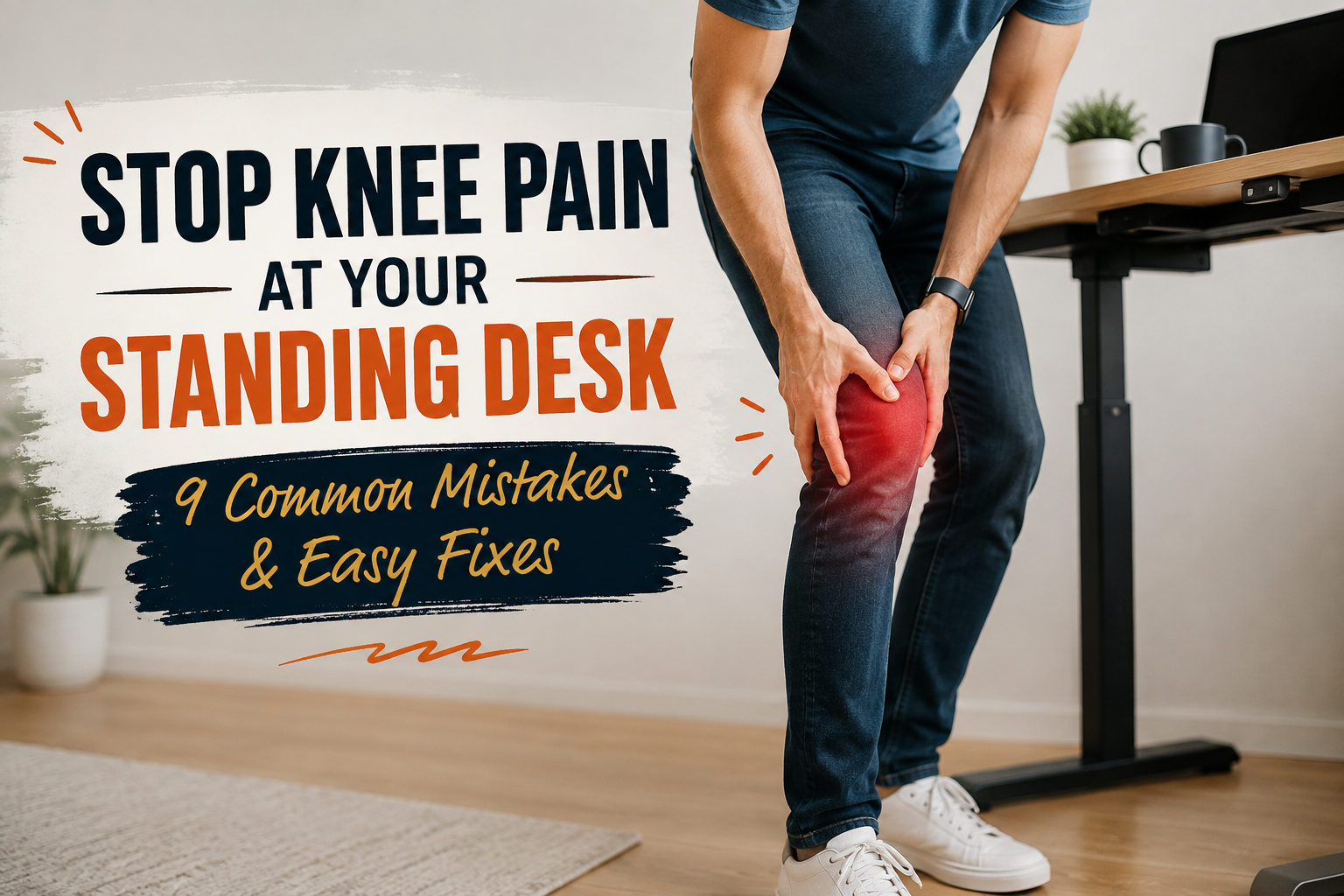
Standing desks have helped many people who have been sitting still for many years to become more active and less stiff. I have tried dozens of standing desks over the years, and I’ve found that when used correctly, they work really well. But on the other hand, I have seen people with knee pain who regret switching to standing desks. In fact, the standing desk itself usually causes no problems, and the bad habits that come with its use are the cause of the problem.
In this article, I’ll cover some of the most common mistakes I see, why they strain my knees, and some simple improvements that have worked in real home offices and shared workspaces.
Do Standing Desks Really Cause Knee Pain?
Yes, it can happen, but only if you are standing in the wrong way for a long time. Based on my experience in validating the setup, the desk itself is rarely the cause of the problem. The question is how to use it. They may become stiff in one position, set the height by mistake, or suddenly remain standing for hours. When these habits pile up, the knee is subjected to an extra load in a static position that is not supposed to be.
Why do some people feel knee pain?
Long periods of immobility and sustained weight bearing increase the strain on joint cartilage and surrounding tissues. Research and clinical observations have shown that a static standing posture reduces blood flow around the knee, which makes the stabilizing muscles tired and irritates areas that are already experiencing osteoarthritis, meniscal problems, or past injuries. I have seen this trend particularly strongly in people who already have some knee problems from sports and long sedentary work.
When standing up helps relieve pain?
For many people, standing relieves the pressure on the kneecap caused by sitting with the knee bent for a long time. Changing positions alternately improves joint lubrication and keeps the muscles supporting the joints active. In one case I have evaluated, people who have stiffness or mild patellofemoral discomfort after sitting often experience better symptoms when they alternate between sitting and standing rather than sitting all day.
Why Does My Knee Hurt When I Stand at My Standing Desk?
When a person is standing still, the joint continues to be stressed without the natural increase or decrease in stress that occurs when walking. Over time, the quadriceps and calves, which usually stabilize the knee, may become fatigued. I experienced this feeling on a day when I had a long test. After about an hour of inactivity in the same position, the knee starts to hurt, even if the rest of the body is fine.
Ergonomically inappropriate environment increases strain on joints
If a desk is too high or too low, people tend to lock their knees or lean forward to compensate. As a result, the way the force applied to the joint is transmitted changes, and shear and compression forces increase. As a result of comparing the different standing desk setups, we realized that an error of just a few inches in height would turn a comfortable posture into a cause for daily discomfort.
Small daily habits accumulate over time
Wearing flat shoes on a hard floor, putting weight on one leg, and omitting periods of physical activity for only one day do not do much harm. But those choices are stacked up. The trend I have observed over the years is that people who complain of poor knees usually don’t make drastic changes; they just go through a few weeks and repeat minor stressors.
9 Mistakes of Standing Desks: That Cause Knee Pain
1. Standing too long without taking sitting breaks
One of the biggest mistakes I see is that I treat my standing desk as a “work space where I’m standing all day.” According to the Canadian Center for Occupational Safety and Health (CCOHS) guidance on ergonomics, recommendations vary, but many experts recommend switching between sitting and standing positions every 20, 30, 45, or 60 minutes. In actual use, people who stand for two to three hours in a row almost always complain more of lower body fatigue than people who regularly switch positions.
2. Lock your knees while standing
When the knee is locked, the joint is overstretched, putting stress on the ligaments and joint capsules rather than the muscles. Sometimes I do this unconsciously while I’m focused, but when I do, I immediately start to feel pain in the front of my knee. Keeping the knee soft and slightly flexed can keep the load on the muscles and reduce the strain on the joints.
3. Using the wrong desk height
The height of the desk should be set so that the elbow is about 90 degrees when standing, and the forearm is parallel to the floor. If it is too high, it will shrug the shoulders or lock the knees to maintain stability. If the pressure is too low, the person leans forward, increasing the amount of stress placed on the kneecap. In my tests, I measured how a few inches of error would change the overall posture of the lower body. Adjust until your shoulders are relaxed and you feel your weight is balanced.
4. Wear shoes without proper support
If you wear shoes with thin soles or perfectly flat soles, your feet and knees will absorb more impact. Wearing supportive shoes with moderate cushioning and arch support makes a noticeable difference. It turns out that even the same person, simply by changing shoes, can stand longer and reduce knee discomfort.
5. Standing on a hard floor all day
Concrete and hard floor surfaces transmit the force straight to the trunk.The Journal’s Tums Investigated that 100 workers who stood for two hours found that using a fatigue-reducing mat resulted in a mean subjective fatigue rating of the knee at the Borg scale of 1.8 and a calf of 2.5, compared to no mat. A statistically significant decrease (P < 0.001) was seen in the foot at 2.6. For most of the telecommuting environments I have investigated, adding a good mat is one of the quickest improvements people can see.
6. Put excessive weight on one foot
Leaning weight on one side will cause an uneven load on the knees over time. When you are focusing on the screen, it is a habit that you tend to do unconsciously. I’ve seen many people complain of problems with their knee or hip on one side because of this pattern. You can balance the load by consciously shifting the weight or alternately weighing from side to side using a small footrest.
7. Forgetting to move your body through the day
If you don’t move your weight or walk while you’re standing, it’s still a static posture.Blood circulation is poor, and the muscles are tired. The more I reviewed the setup of the standing desk, the more I realized that it was comfortable for users who were taking short walks every 15-20 minutes or simply repositioning their feet.
8. Ignore leg muscle stiffness and inflexibility
Stiffness of the calf, hamstrings, or hip flexor muscles changes how force is transferred to the knee. Years of following ergonomic recommendations and talking to users have shown that people who stretch regularly complain less of knee problems. Doing a few minutes of range-of-motion training each day can have a significant effect.
9. Increasing standing time too quickly
If you increase your standing time from zero to four hours overnight, your knees will be more stressed. When I switched to my standing desk for the first time, I made this mistake and paid for the pain in my joints. A step-by-step approach, which starts short and gradually extends the time, gives the body time to adapt.
5 Simple Fixes to Relieve Knee Pain with Standing Desk
These adjustments have been consistently effective in the setup I have evaluated, as well as in my own daily use.
Adjust your desk to the right height
Set the height of the tabletop so that the elbow is close to 90 degrees and the shoulders are relaxed. After changing your shoes, check again.
Alternate between sitting and standing
Alan Hedge, professor of ergonomics at Cornell University, recommends the pattern 20-8-2.[ Source LInk ] This involves sitting for 20 minutes, standing for 8 minutes, and moving and stretching for 2 minutes. On a typical 7.5-hour workday, this will result in about 16 switches from sitting to standing, for a total of about two hours of standing work. Many practical guides also recommend standing work for 15-20 minutes per hour.
Use of fatigue-reducing mats
High-quality mats relieve shock and facilitate fine movements to maintain blood flow. As noted by the aforementioned worker survey, it is clear that the assessment of discomfort in the knees, calves and feet has been reduced to a measurable level.
Wear shoes that hold one’s feet firmly
Instead of spending a long time barefoot or wearing thin flat shoes, choose shoes that are cushioned and stable.
Regularly stretching the legs
Stretch around your calves, hamstrings, quadriceps, and hip flexors several times a day. Even a short period of time will have an effect.
Best Standing Desk Routine for Keeping Your Knees Healthy
Beginner’s Routines
Stand for 5-10 minutes an hour and sit for the rest of the time. Focus on not straining your knees, balancing your weight, and using a mat. Gradually increase the amount of time over several weeks so that you can adapt without overburdening the joints.
Intermediate Routines
Try to stand for 15-20 minutes an hour (or follow the pattern 20-8-2). Change your posture every 30-45 minutes and take a short walk or stretch break. For most of the people I’ve taught, this is the range where the balance between energy and comfort is best.
Advanced Routines
As the body gets used to it, it can continue to stand for a longer time (up to 30 to 45 minutes) as long as it takes a break by sitting or moving. Keep total daily standing time in moderation and never ignore early signs of fatigue.
When Knee Pain Is a Sign of Something More Serious
Symptoms You Shouldn’t Ignore
Sharp pain, swelling, and pain that causes the knee to freeze, collapse, or awaken at night are warning signs. Be careful if the pain persists despite straightening and decreasing the amount of time you stand. In my experience, most knee discomfort associated with desk work can be improved with the above measures, but if symptoms persist, they should be investigated further.
When to Consult a Medical Professional
If the pain persists for more than a few weeks after you improve your habits, or if you have a history of knee injury, arthritis, or meniscal problems, consult your doctor or physical therapist. They can eliminate problems that cannot be solved completely by mere ergonomic improvements.
Final Thoughts: Small Changes, Healthier Knees
The above nine mistakes, standing all the time, locking the knees, and more, muscle stiffness and a sudden increase in stress are responsible for most of the knee problems I’ve seen with standing desks. The good news is that movement is more important than standing. Small ergonomic adjustments can help protect your joints and make working at your desk more comfortable in the long run.
If I were to set up a standing desk today, I would start with a simple timer to switch positions based on the guidelines of height, mat, foot-holding shoes, and Mr. Hedge’s 20-8-2 and standing positions of 15-20 minutes per hour. These fundamentals have made the biggest difference for me and for many of the people I’ve reviewed setting up.

Aamir Riaz is the founder and owner of Bashufy. After years of working with uncomfortable desks and learning the importance of better posture, he shares honest standing desk reviews, buying guides, and ergonomic tips based on research and real user experiences to help readers make better choices for their home office setup.