
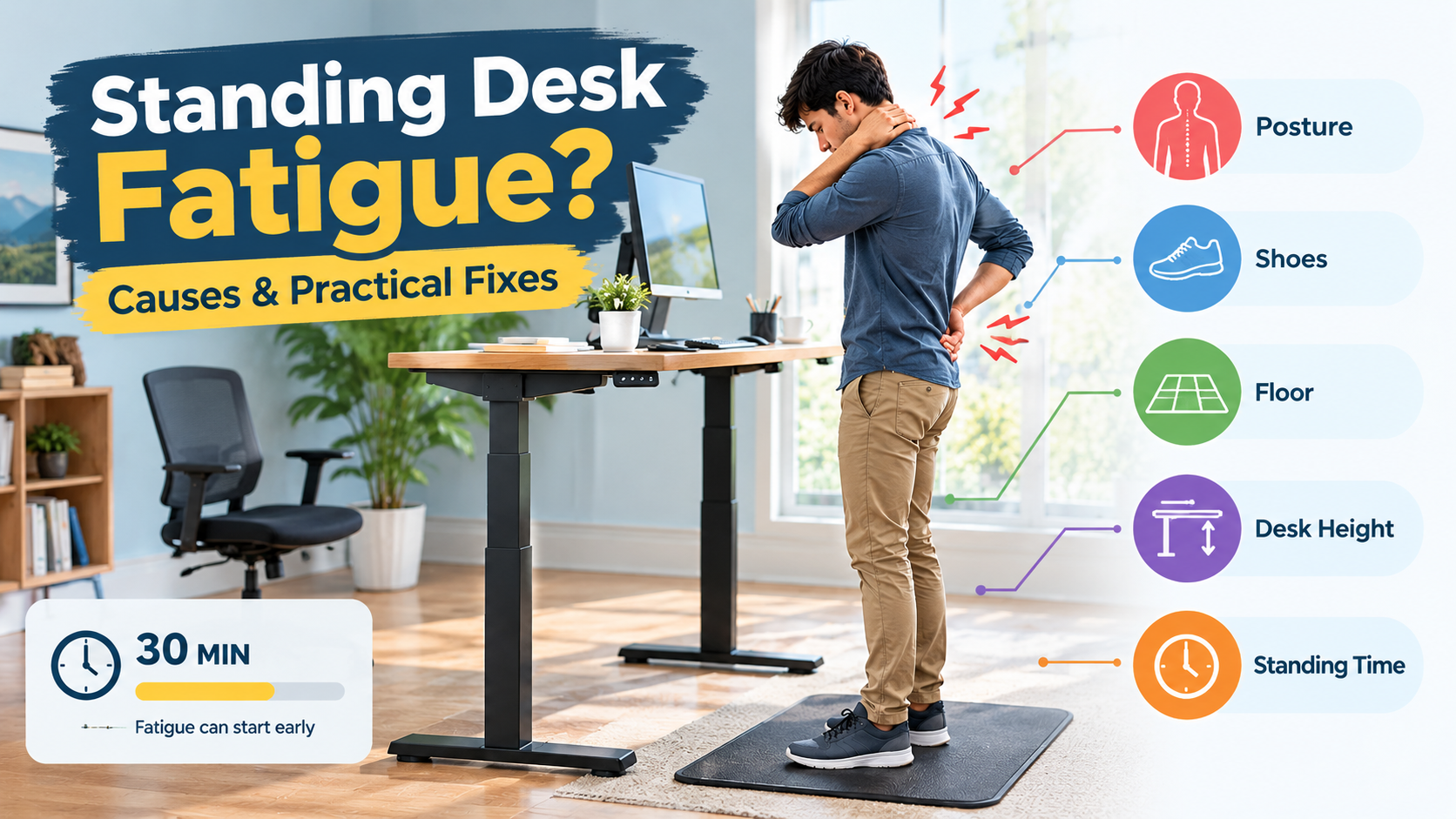
When I first switched to a standing desk, I thought I would be fine all day. However, before I finished my first cup of coffee, my feet hurt, and my back became stiff. You are not the only one who will be tired after 30 minutes. Sitting in the same position alone is not automatically better than sitting. After trying out a number of standing desk setups, including one I featured in my Recommended Ergonomic Standing Desks feature, I found that the solution usually depends on where fatigue starts and how fast it appears. Let’s look at the solution.
Why Standing Desk Fatigue Can Start Within 30 Minutes
People differ greatly in their response to standing work. The amount of activity, shoes worn, floor condition, and how the desk is set up all affect the person.
While researching this topic, I found a 2017 study by Curtin University in Australia on ergonomics. In the study, 20 adults worked on a computer while standing for two hours, which increased discomfort in all parts of the body. The reaction time also worsened, and one person stopped work after 74 minutes. As a small study, I don’t see this as an absolute conclusion, but another study that simulated a day’s work on the shop floor reported signs of muscle fatigue after standing for about 30 minutes.
However, the 30-minute mark is not an absolute standard. Some people are fine with more time; others have to move faster. Normal fatigue and progressively worsening pain are different things. The goal is not to stand for as long as possible. Make sure that you can continue to move comfortably at work.
Five Reasons Your Standing Desk Leaves You Feeling Drained
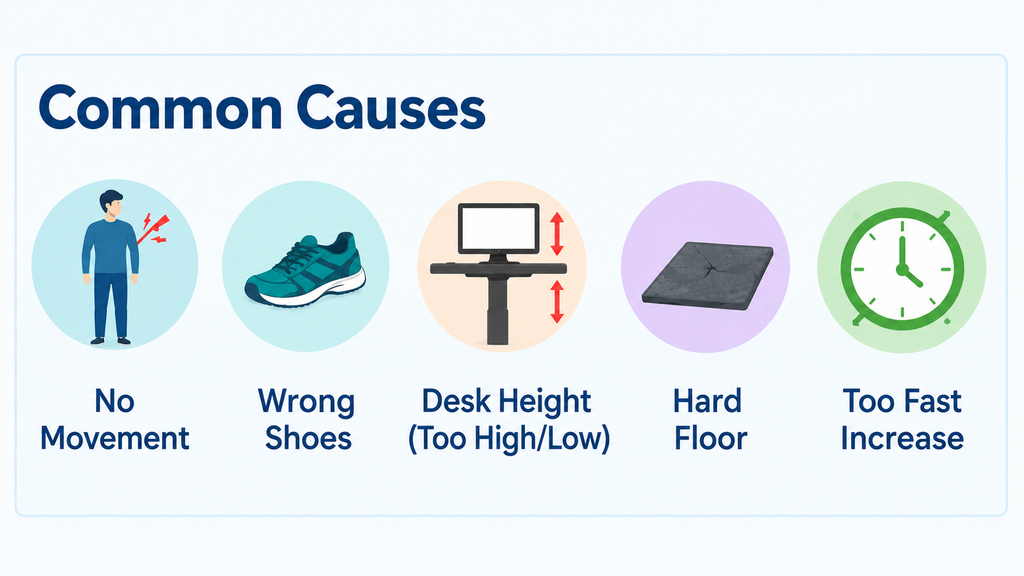
Staying in One Position Instead of Moving Naturally
One of the most common mistakes we see is getting stuck in one position. As a result, the muscles continue to work without a real break. If you shift your weight a little or walk a little, you can clearly see the difference.
Working on a Hard Floor Without Enough Support
The hard floor puts constant pressure on the front part of the heel, the foot, and the sole. Most of the work-from-home environments I investigated are caused by tiles, hardwood floors, or concrete, and the situation is even worse if you wear thin shoes.
Setting the Standing Desk Too High or Too Low
If the desk is too high, the shoulders will be easier to raise. If it is too low, you will turn your back towards the screen. In both cases, it puts unnecessary extra strain on the neck, wrists, and back. Check out my guide on how to set the ideal standing desk monitor height.
Wearing Shoes That Do Not Suit Long Standing Sessions
I made this mistake myself. I had been wearing thin, worn slippers for weeks and wondered why my feet hurt. Cushioning, fit and support are more important than appearance.
Increase in Standing Time Too Rapidly
For people who have been sitting for a long time, suddenly standing for a long time is too heavy for their body. I’ve seen many people make the same mistake. Don’t set strict goals, but increase your time gradually based on your body’s senses.I break this down further in how long to stand at a standing desk.
Practical Fixes to Try Before Buying New Desk Accessories
Before Discomfort Builds Switch Positions
Alternate sitting, standing, and walking a little. Interestingly, a study published in Occupational and Environmental Medicine asked overweight and obese office workers to stand up every 30 minutes for five days. As a result, fatigue and lower back discomfort were reduced, and there was no decrease in productivity. This is in line with my experience. Please sit back whenever you need to. That is not a failure. [ Source Link ]
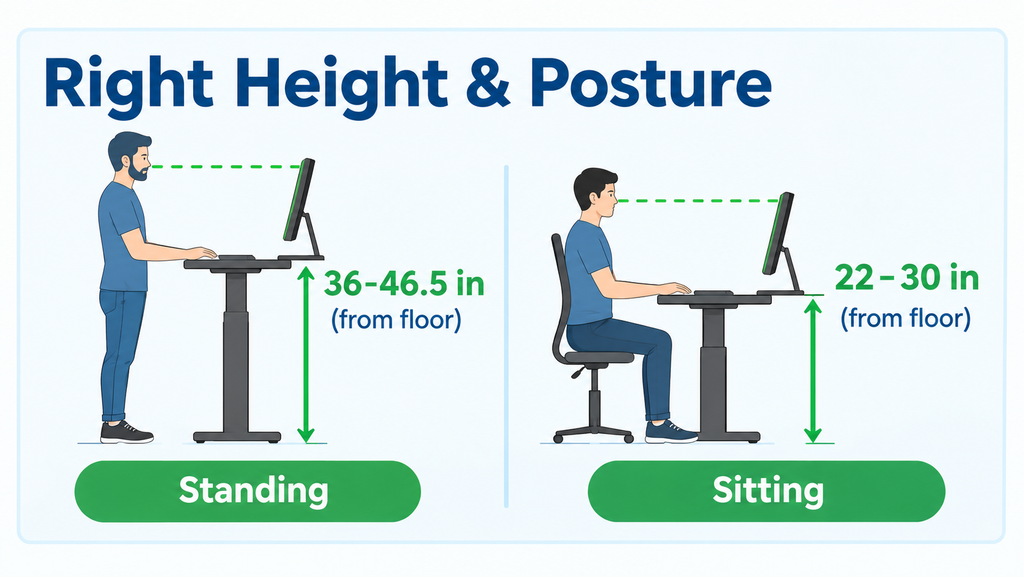
Adjust the Desk to Match Your Body
Relax your shoulders, lean your elbows to the side of your body, and keep your wrists in their natural position. Adjust the monitor so that you can see the screen without bending your neck. Let’s change one at a time. Otherwise, you will not know what actually worked.
Test Your Shoes and Standing Surface
First, try the shoes that fit your feet. Next, check the condition of the floor. Fatigue-reducing mats may help some people, but their effectiveness is not guaranteed. OSHA does not have a general industrial standard that requires fatigue-reducing mats, but they are mentioned in industry guidelines for retailers, restaurants, and other industries. A review published in the National Library of Medicine’s PubMed Central suggests that floor mats, shoes, insoles, and sitting workstations are some of the recommended ways to relieve long standing work. Let’s start with measures that can be tried for free without spending money.
Add Tender Movement to Your Work Routine
If you have a chance, try going up and down your calves several times, alternately shifting your weight to your left and right feet, or taking a short walk. Avoid strenuous activities that can worsen the pain.
A Simple 30-Minute Standing Desk Comfort Experiment
If you are tired after 30 minutes, the most effective way in my experience is to do this.
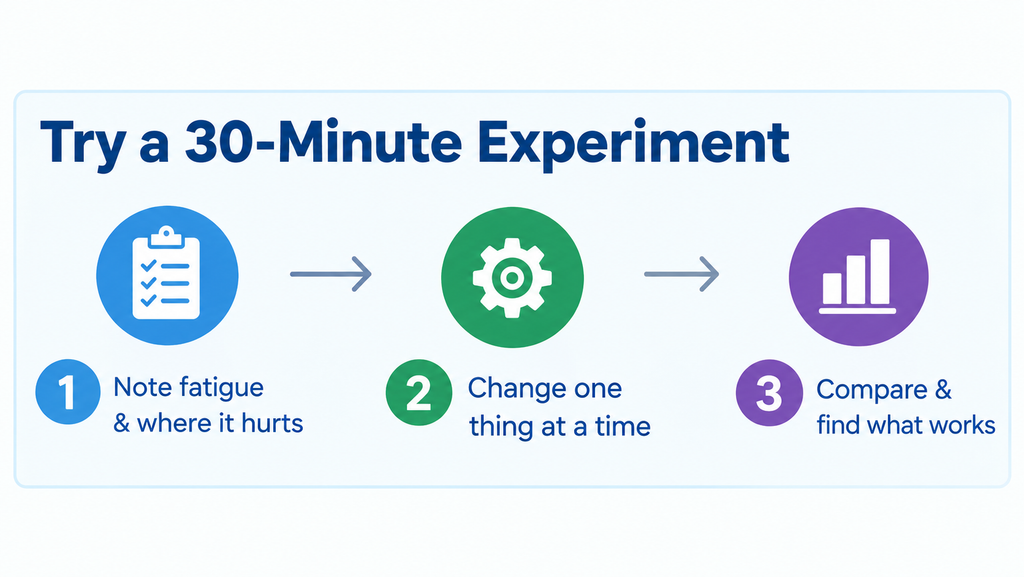
At first, people do one of their usual sessions, noting when fatigue starts and where it feels (such as in the feet, calves, knees, and hips). Next, try to do another session and change only one condition, such as the height of the shoes and desk, or time to stand. To make the comparison fair, keep the work almost the same. Then compare your health and write down which changes were most effective.
This is an experiment that explores personal comfort. It is not a medical test and does not guarantee results.
When Standing Desk Fatigue Needs More Attention
Don’t blame your desk for everything. If symptoms persist, recur, or begin to interfere with daily activities, consult a doctor. Warning signs include marked swelling, numbness, a pins-and-needles sensation, sharp pain, or symptoms that persist despite changes in position. If the ache is mostly in your knees, my post on standing desk knee pain mistakes covers the common causes.
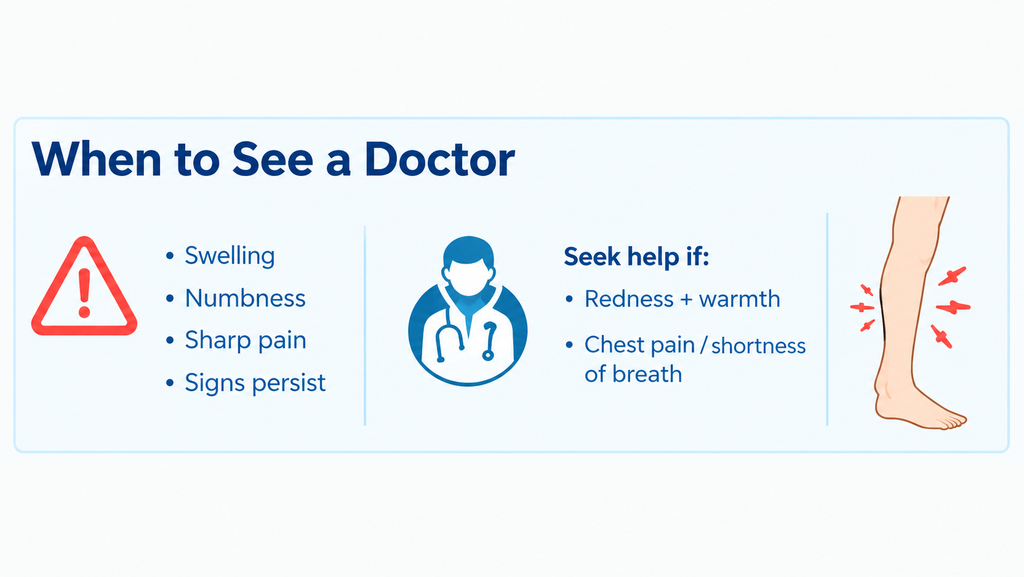
People should seek medical attention immediately if they develop sudden, severe symptoms. This may include swelling with warmth and redness in one leg or chest pain and shortness of breath. For general background, the Centers for Disease Control and Prevention (CDC) has information on blood clots and their warning signs.
Conclusion: Make Your Standing Desk Work Around Your Body
The main reasons usually come down to sitting still, choosing the wrong shoes or floor, having an improper desk position, and spending too much time standing. If you’re asked where to start, it’s a good idea to first find out the cause of your discomfort before you buy anything. Improve one by one at a time, alternating between sitting, standing, and moving. For setup instructions, see my Standing Desk Workspace Guide. In retrospect, the biggest lesson I learned is that a good workspace supports your work, not keeping you standing.

Aamir Riaz is the founder and owner of Bashufy. After years of working with uncomfortable desks and learning the importance of better posture, he shares honest standing desk reviews, buying guides, and ergonomic tips based on research and real user experiences to help readers make better choices for their home office setup.